In this article, you’ll learn how to track an order, view your order history, and invite a team member on your account page.
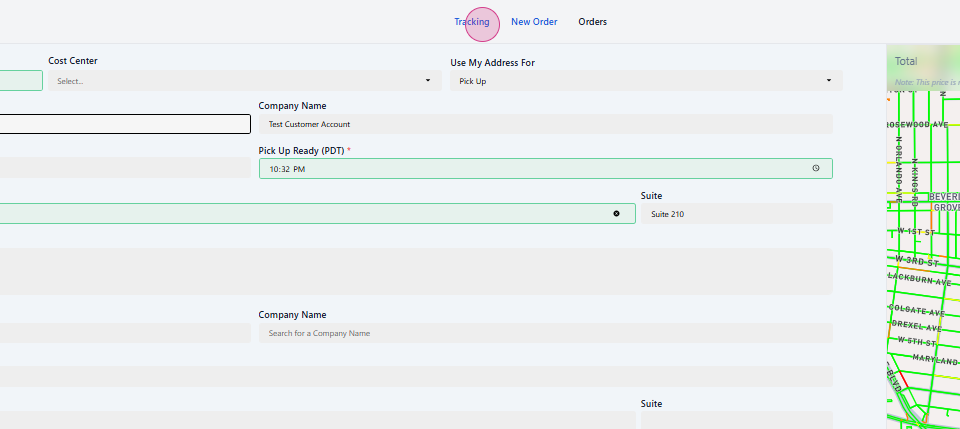
Go to the tracking page
After logging in, navigate to the tracking page to track an order.
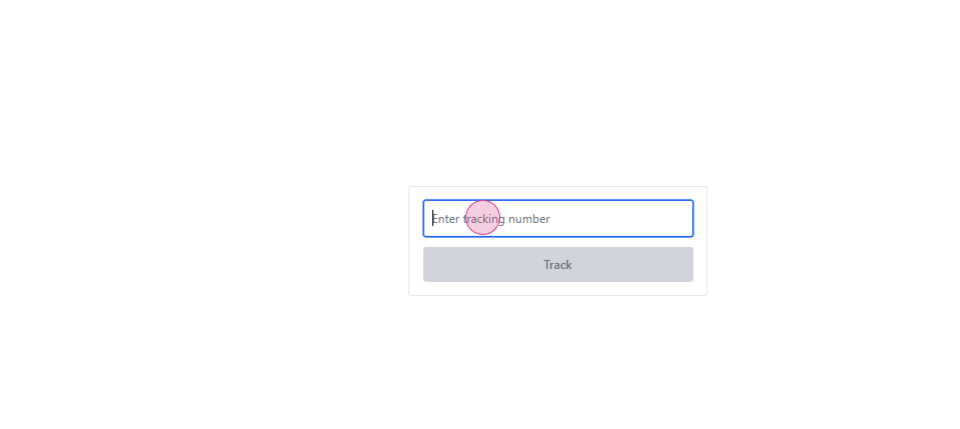
Enter the tracking number
Enter the tracking number provided when you placed the order.
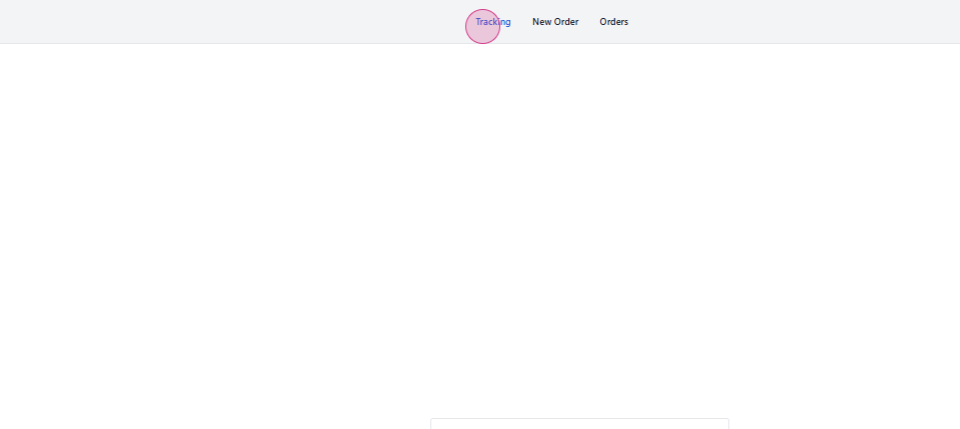
View your order history
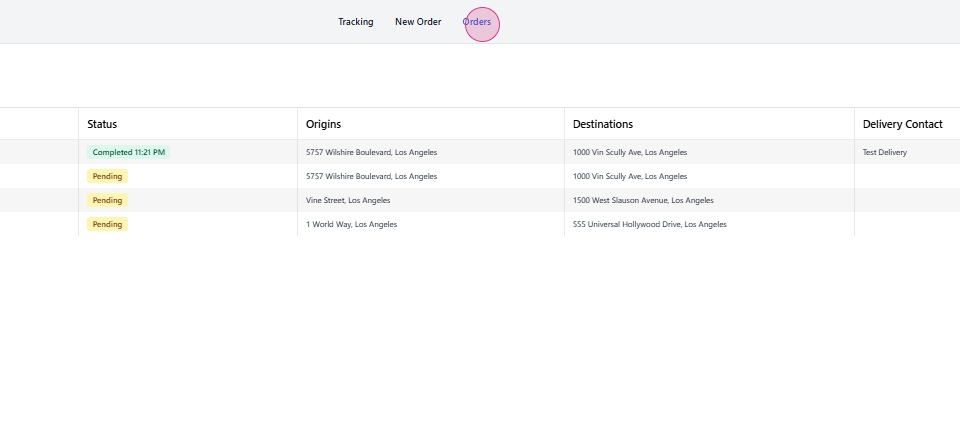
View your order history by clicking the appropriate button.
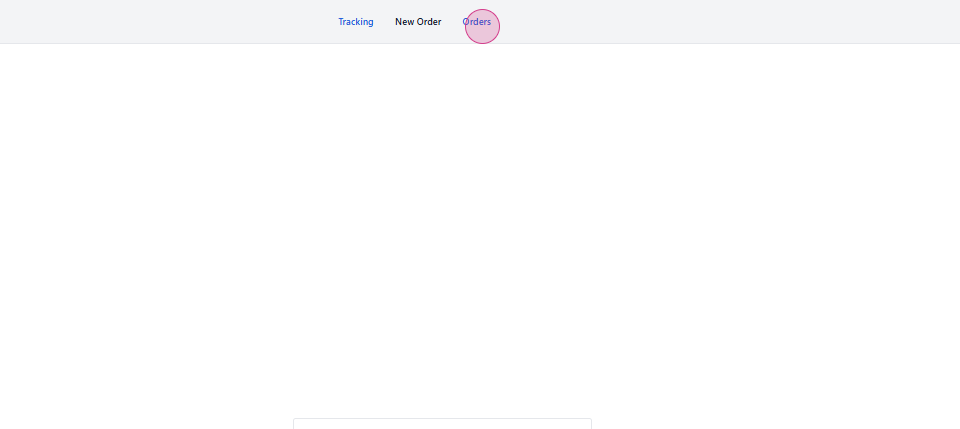
Track from order history
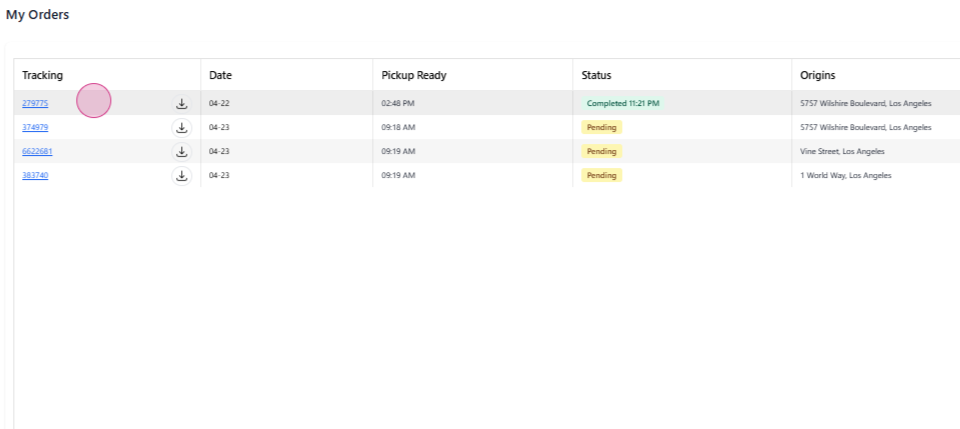
Track an order from your order history by clicking the tracking number.
Download the shipping label
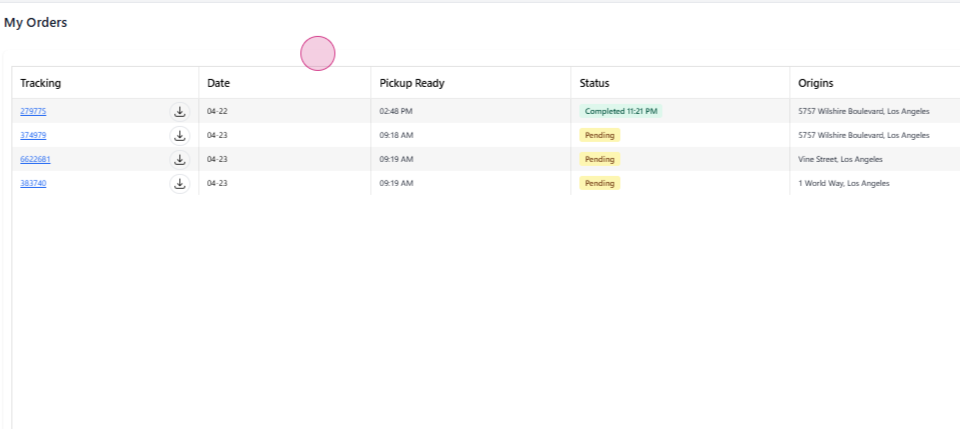
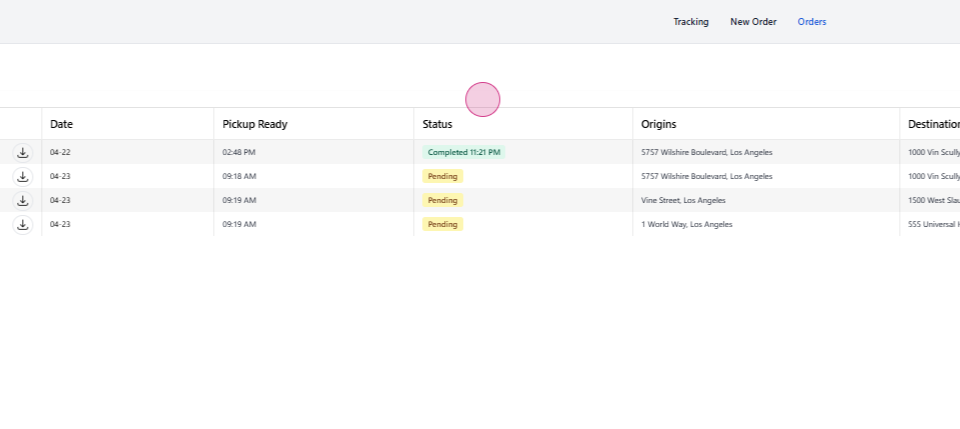
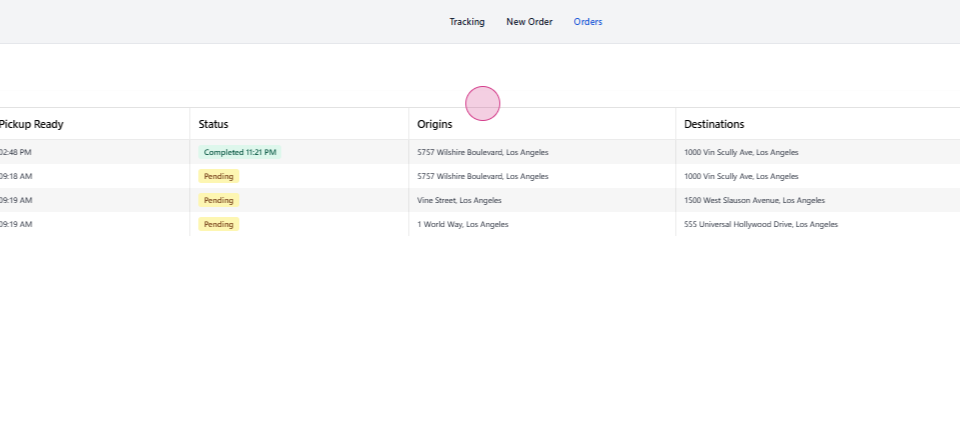
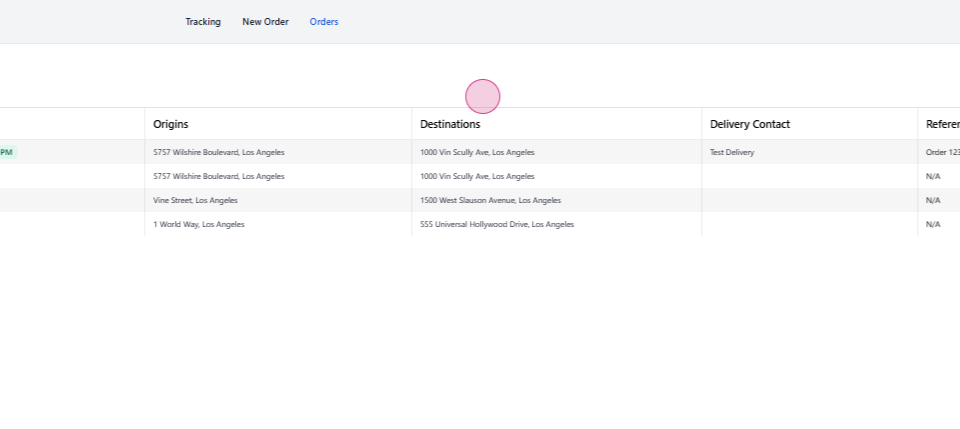
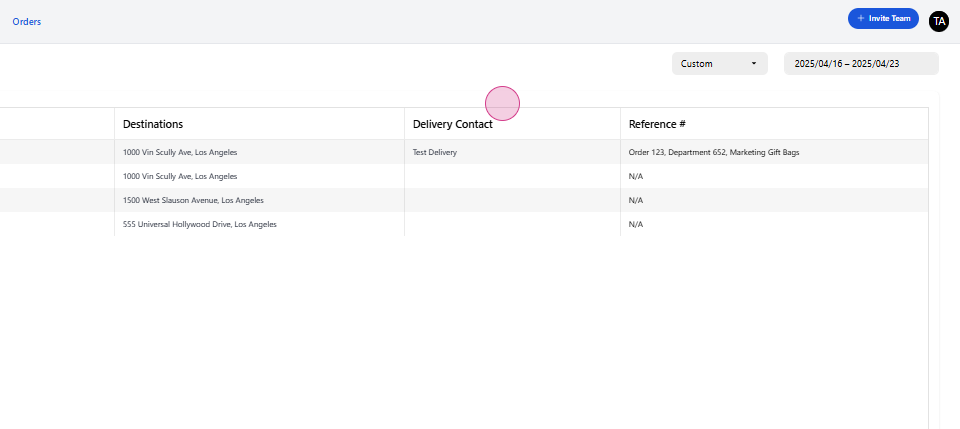
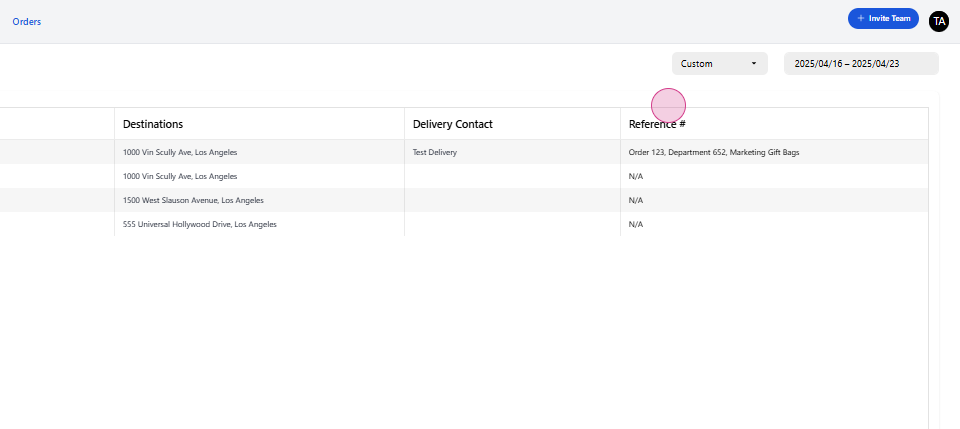
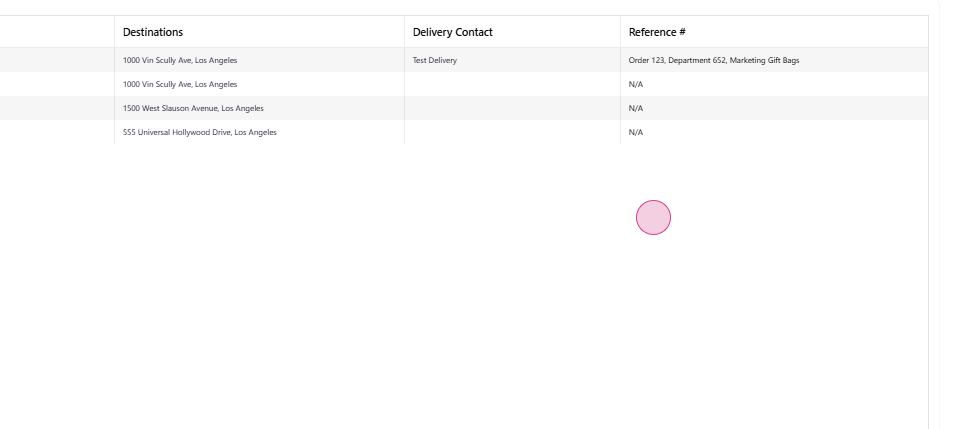
Download the shipping label for each order. Here, you’ll find details such as the date, pickup time, order status, origin, destination, delivery, contact, and reference number.
Filter your orders
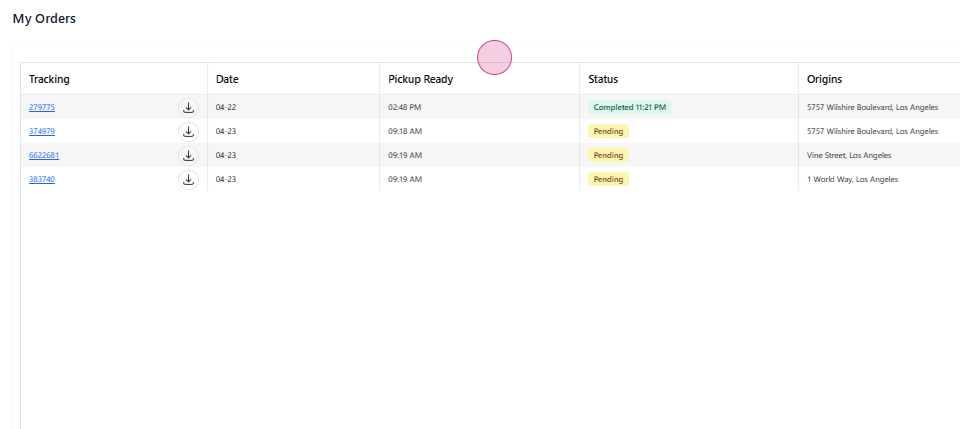
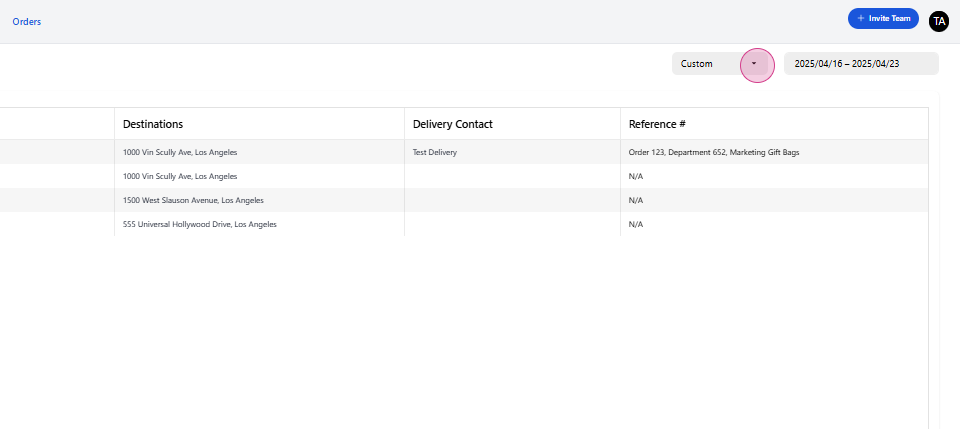
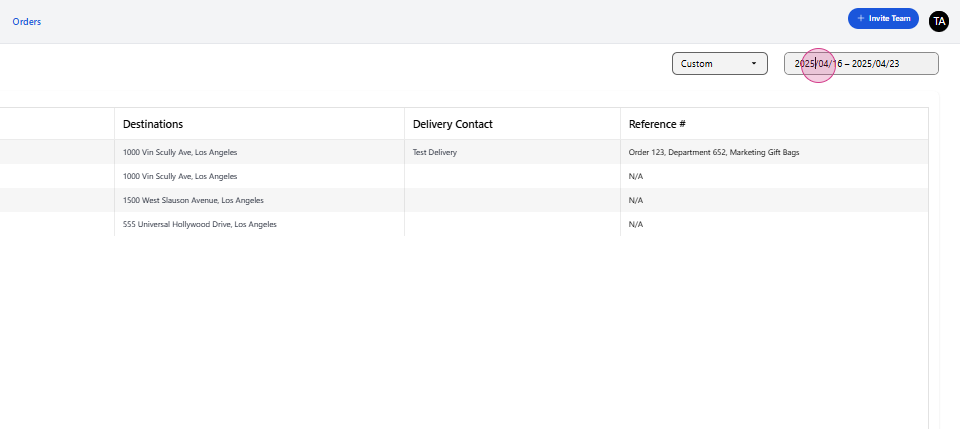
Filter this page by specific time periods or use the calendar view for easier filtering.
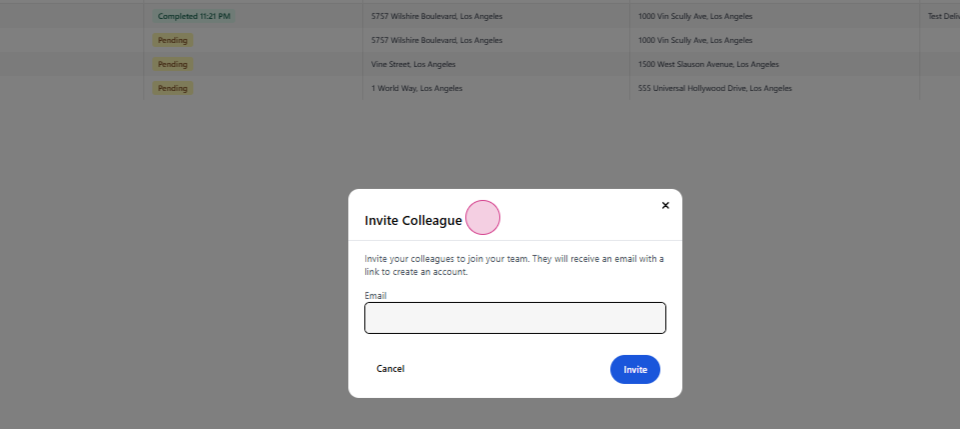
Invite a team member
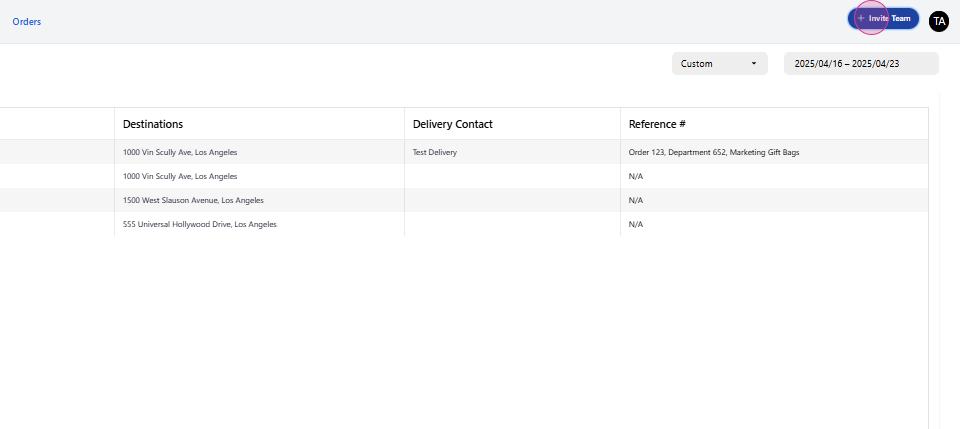
Invite a team member to your account.
Send the invite
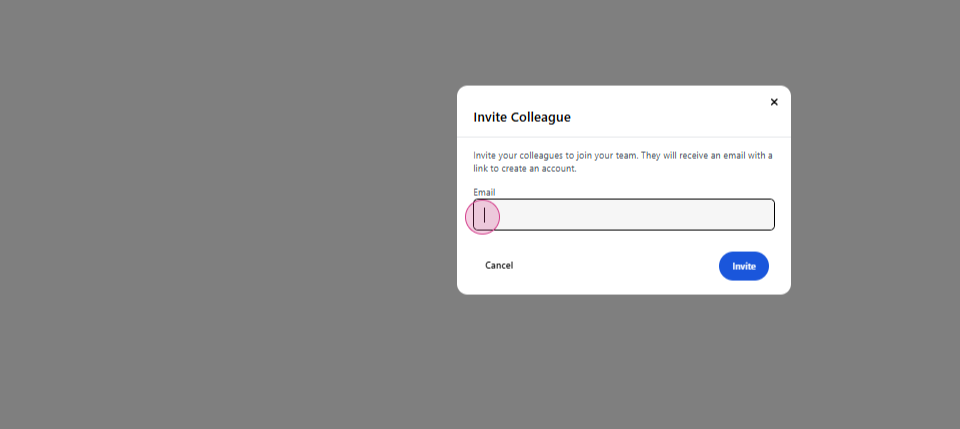
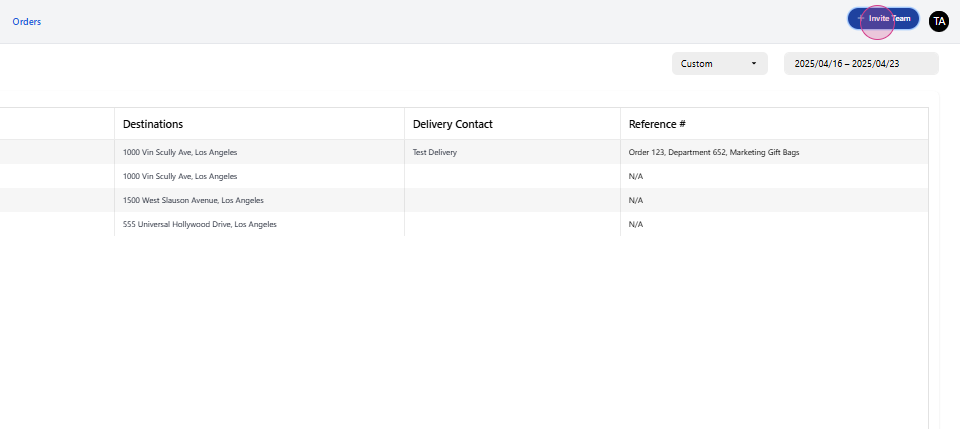
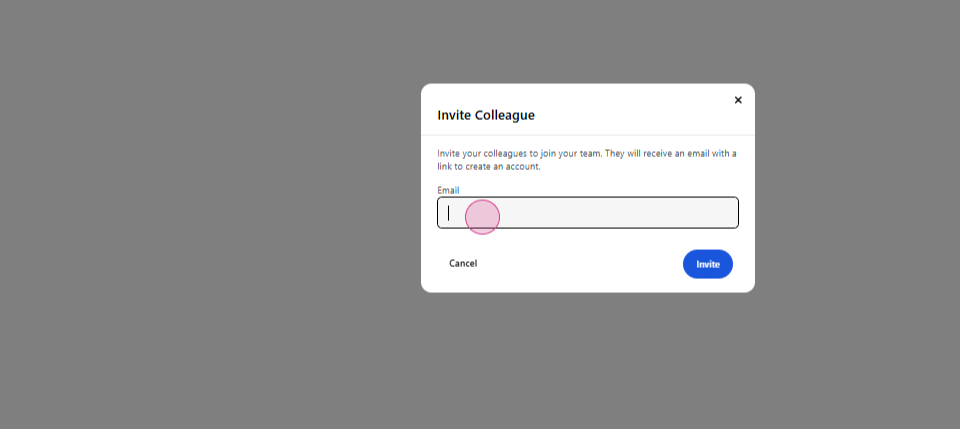
Click on Invite team, enter their email, and hit Invite.
That’s all! 🚚
Your teammate will receive an email to sign up. Once they’ve signed up, they’ll use the same account, automatically linked to the same company. If you need further assistance, don’t hesitate to reach out.